Deer Adventure Unblocked
Play Deer Adventure unblocked directly in your school Chromebook, office desktop, or home browser—free WebGL sandbox with zero downloads and no login.
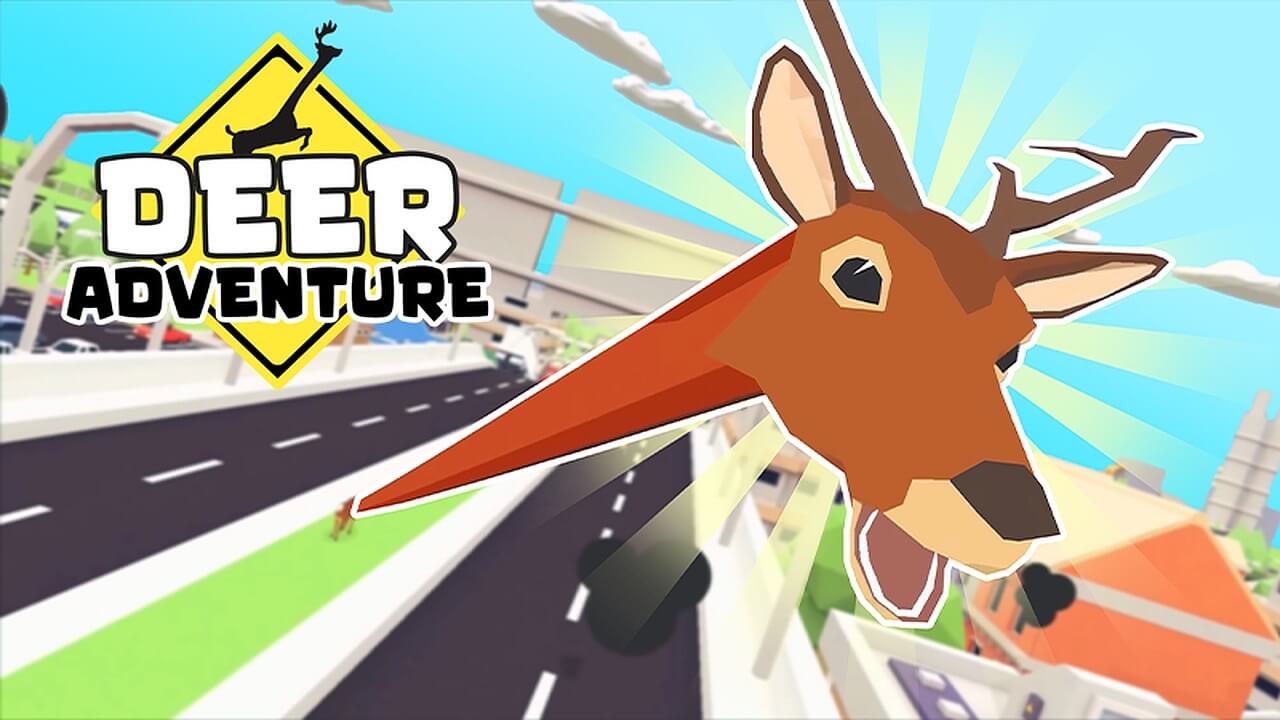
Instant WebGL play · Click to launch
Loading Deer Adventure…
Preparing 3D WebGL sandbox assets
How to Play Deer Adventure Unblocked at School or Work
When you want to play Deer Adventure unblocked during a five-minute school break or lunch pause, the biggest hurdle is rarely your hardware—it is browser extensions, download restrictions, and campus network filters. Because AzGames.io built the game on Unity WebGL, every 3D asset streams directly inside a standard browser tab. You never need an .exe installer, administrator permission, Google account sign-in, or third-party launcher.
On DeerWiki, clicking Play Now loads the clean HTML5 WebGL container right inside this page without opening pop-under tabs. Your game state stays inside the current browser session, so closing the tab immediately clears the screen with nothing left installed on a shared school Chromebook or lab PC. If you want the complete overview of city modes, specs, and related sandbox titles, head back to the main Deer Adventure game.
Browser and Chromebook Requirements
Most modern school laptops—including budget 4GB Chromebooks running ChromeOS—handle Deer Adventure unblocked smoothly as long as WebGL is active:
- Recommended browsers: Google Chrome 115+, Microsoft Edge, Firefox, or Safari on macOS and iPadOS.
- Hardware acceleration: Keep hardware acceleration turned on in browser settings (
chrome://settings/system). Without GPU acceleration, 3D ragdoll physics drop to low frame rates. - Tab hygiene: Close extra video streams or heavy Google Docs tabs before starting a high-chaos chase so the WebGL canvas keeps enough memory.
- Audio etiquette: Mute the browser tab before clicking Play Now if you are playing in a quiet study hall or office space.
Quick Fixes If a School Network Blocks the Frame
School content filters sometimes flag game CDN domains independently of the page you are reading. If the 16:9 stage stays on the loading screen for more than fifteen seconds, try these quick checks in order:
- Wait for the first Unity cache: The initial 3D bundle download can take 8–12 seconds on crowded school Wi-Fi. Let the antler loader finish once before refreshing.
- Use the direct fallback link: Below the stage bar, DeerWiki includes a one-click fallback link to the official host in case one mirror path is throttled.
- Toggle Fullscreen after loading: Press the Fullscreen button only after the deer spawns on the street; some managed Chromebooks delay canvas focus if fullscreen triggers before WebGL initializes.
- Click the canvas to wake keys: If
WASDorSpacedoes not respond, click once in the middle of the 3D viewport to capture keyboard focus.
Five-Minute School-Break Sandbox Ideas
Short sessions work great in Deer Adventure because there are no long cutscenes or mandatory tutorials. Between classes, try one of three quick challenges: sprint across the town solely on two legs by holding Shift, race to the tallest nearby rooftop using Q neck-stretching before touching a single car, or see how long you survive once the first sheep police squad spots you.
Need sharper escape routes and weapon hunting habits? Read our Chromebook keybinds and wanted-level tactics. Playing on iPad, Android, or Safari? Check our fullscreen and mobile browser setup, or verify whether a sequel exists in our verified part 2 status check.
Quick Controls for Chromebooks & School PCs
| Key | Action |
|---|---|
| WASD | Move around the open-world city |
| Space | Jump over cars, fences, and rooftops |
| F | Interact with objects, vehicles, and NPCs |
| Tap Shift | Dash forward for a quick speed burst |
| Q / Right-Click | Stretch your neck to grab objects or climb |
| Hold Shift | Stand upright and walk on two legs |
Unblocked Access FAQ
Does Deer Adventure unblocked work on school Chromebooks?
Yes. Deer Adventure unblocked runs through Unity WebGL inside ChromeOS with no downloads, extensions, or admin rights required. Use Q on a Chromebook keyboard to stretch your neck easily without needing a physical mouse right-click.
Do I need to download or sign in to play Deer Adventure unblocked?
No login, email, or software install is needed. Clicking Play Now loads the browser build directly inside the 16:9 stage and leaves zero installed files behind when you close the tab.
Why is Deer Adventure unblocked stuck on the loading screen?
First wait 10–15 seconds on slow school Wi-Fi for the 3D WebGL bundle to finish caching. If it still stalls, check that browser hardware acceleration is enabled or click the official mirror fallback link directly beneath the stage.
Keep Exploring on DeerWiki
- Main Deer Adventure sandbox hub Specs dossier, peaceful vs. chaotic playstyles, and 8 playable related games.
- Complete controls chart & escape tips Full keyboard layout plus four tactics for wanted levels, cars, and rooftops.
- Device & browser compatibility matrix Exact fullscreen, touch, and frame-rate steps for Chrome, Edge, Safari, iPad, and Android.
- Is there an official Deer Adventure sequel? Fact-checked 2026 sequel report so you avoid fake part 2 downloads.
Player Comments
0 comments