Browser & Device Compatibility
Deer Adventure Online
Test the live WebGL stage below, then check exact fullscreen, touch, and lag-fix steps for Chrome, Edge, Safari, Chromebooks, iPad, and Android.
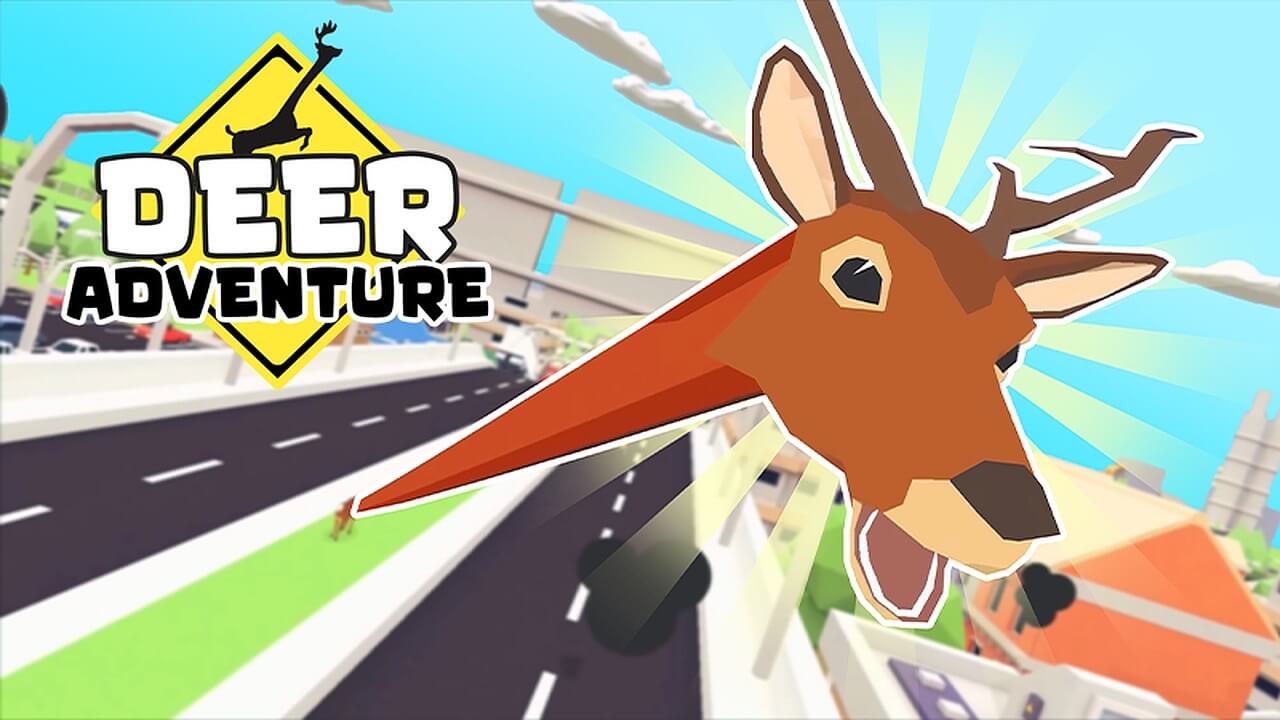
Instant WebGL play · Click to launch
Loading Deer Adventure…
Preparing 3D WebGL sandbox assets
Device and Browser Compatibility Matrix
Use this matrix to see how Deer Adventure online runs on your hardware, which input method responds best, and which browser setting matters most before launching the Unity WebGL canvas above:
Swipe table horizontally to view all 5 columns →
| Device & Browser | Support Status | Input Method | Recommended View | Key Requirement |
|---|---|---|---|---|
| Chrome (Windows / macOS) | Full support (60 FPS) | Keyboard + Mouse | Fullscreen | Hardware acceleration enabled |
| Microsoft Edge (Windows) | Full support (60 FPS) | Keyboard + Mouse | Fullscreen | Efficiency mode off for active tab |
| Safari (macOS) | Supported (stable) | Keyboard + Mouse | Windowed or Fullscreen | WebGL 2.0 active, allow pointer lock |
| School Chromebook (ChromeOS) | Supported (30–60 FPS) | Keyboard + Trackpad (Q for neck) |
Fullscreen after spawn | Keep ≤3 tabs open on 4GB RAM |
| iPadOS Safari | Playable (best with keyboard) | Landscape touch or Bluetooth keyboard | Landscape Fullscreen | Rotate before starting WebGL |
| Android Chrome (Landscape) | Playable (mid/high-end devices) | Landscape touch / OTG keyboard | Landscape Fullscreen | Disable battery saver during play |
All sessions run locally inside your browser's WebGL runtime as a single-player sandbox with AI-controlled citizens and sheep police—there are no multiplayer servers or matchmaking queues. If you want the full city overview and mode breakdown, return to the original Deer Adventure sandbox.
Chrome and Microsoft Edge Desktop Steps
Desktop Chromium browsers deliver the steadiest frame pacing during high wanted-level chases and multi-car physics pileups:
- Verify GPU acceleration: Open
chrome://settings/system(oredge://settings/system) and confirm Use graphics acceleration when available is switched on, then relaunch once if you changed it. - Enter Fullscreen cleanly: Click Play Now above, wait until the deer spawns on the street, and then press the Fullscreen button beneath the stage. That prevents cursor drift onto secondary monitors when turning the camera.
- Fix Edge tab throttling: In Microsoft Edge, disable Efficiency Mode temporarily if frames dip after five minutes of play.
- Exit Fullscreen reliably: Use the top-right Exit Fullscreen button inside the stage container whenever pointer lock intercepts your
Esckey.
Safari on macOS and iPadOS Steps
Apple's WebKit engine runs Unity WebGL reliably when given clean memory and viewport focus:
- macOS Safari: Click once inside the 3D canvas right after loading so keyboard input locks cleanly. If textures appear flat or the loader pauses past 15 seconds, confirm no strict content blocker is filtering
games.azgame.io. - iPadOS Safari: Turn your iPad sideways into landscape orientation before pressing Play Now, then tap Fullscreen to clear the address bar. Pairing a folio or Bluetooth keyboard unlocks full
WASD,Space,F, andQcontrol without on-screen clutter.
School Chromebook Setup (ChromeOS)
On managed 4GB school Chromebooks, memory headroom and trackpad quirks matter more than raw CPU speed:
- Skip trackpad right-clicks: Use the
Qkey to stretch your deer's neck instead of two-finger tapping the trackpad, which can accidentally trigger ChromeOS context menus. - Close heavy background tabs: Shut down open video calls, YouTube tabs, or large slide decks before entering chaotic police waves so the browser does not reclaim WebGL memory.
- Handling campus filters: If your school Wi-Fi blocks the embedded game host, follow our school and office network troubleshooting checklist or use the official mirror link directly below the stage.
Android Landscape Touch and Lag Fixes
Mobile browsers can load the 3D town, though smaller viewports and battery governors need quick tuning:
- Force landscape first: Lock or rotate your phone to landscape before pressing Play Now so the Unity camera scales properly across the 16:9 frame.
- Turn off Battery Saver: Android power-saving modes cap GPU clock speeds and drop 3D ragdoll physics below 20 FPS.
- Clear sluggish frame rates: If movement stutters after smashing dozens of cars, tap Reload on the browser tab to flush physics debris from memory and start a crisp run.
Once your device runs smoothly, learn our rooftop routes and hidden weapon tips or check our sequel status and lookalike titles report.
Device & Browser Compatibility FAQ
How do I fix lag in Deer Adventure online on a Chromebook or laptop?
Open browser settings and confirm hardware acceleration is turned on, close extra video or Docs tabs, and disable Battery Saver or Edge Efficiency Mode. On 4GB Chromebooks, keeping only the game tab open prevents WebGL memory stutters.
Can I play Deer Adventure online on an iPad or Android phone?
Yes—rotate your iPad or Android phone into landscape orientation before tapping Play Now, then press Fullscreen below the stage. A Bluetooth keyboard on iPadOS gives the closest experience to desktop WASD controls.
Why does Deer Adventure online stall on Safari?
Wait 10–15 seconds for the first Unity WebGL bundle to finish caching. If Safari still shows a blank frame, pause strict script blockers for games.azgame.io or click the direct official mirror link right beneath the game frame.
Keep Exploring on DeerWiki
- Play on the main DeerWiki hub Full city overview, peaceful vs. destructive modes, specs, and 8 similar games.
- Deer Adventure Unblocked Campus Wi-Fi filter checks, trackpad keybinds, and five-minute school-break ideas.
- How to Play Deer Adventure PC keybind table plus four survival strategies for police chases and hidden weapons.
- Verified 2026 part 2 check Why no official sequel exists yet and three lookalike titles to tell apart.
Player Comments
0 comments